Create remote tabs
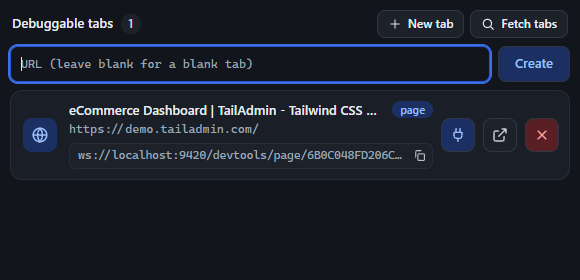
The New tab button (next to Fetch tabs, only visible once connected) opens an inline form with a single URL field and a Create button - no separate dialog, no page reload.
- Leave the field blank and click Create (or press Enter) to open a blank tab (
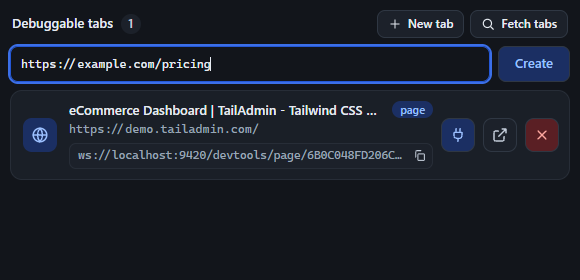
about:blank) in the remote instance. - Type a URL and the same button opens that page instead. You don’t need to type the scheme - if you leave it off,
https://is prepended automatically (so typingexample.com/pricingopenshttps://example.com/pricing). - On success, the form closes and the tab list refreshes immediately, so the new tab appears in Debuggable tabs ready to attach to.
- If tab creation fails (bad port, extension error, etc.), an inline error message appears under the field instead of a popup alert.