Presets
Presets wrap common CDP command sequences into one-click actions, so you don’t have to hand-write the method and params yourself.
For custom HTTP headers, open the Network tab and follow the custom headers guide.
Capture screenshot
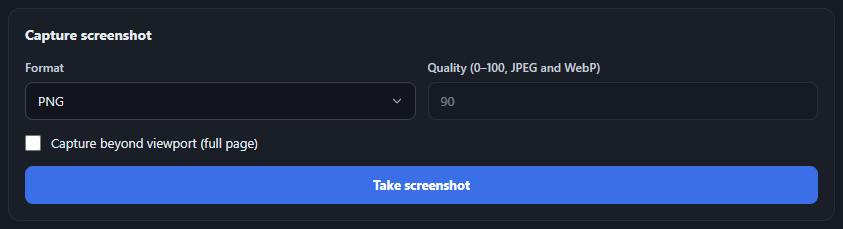
Section titled “Capture screenshot”Grab a PNG, JPEG, or WebP screenshot of the current page, optionally capturing the full scrollable page rather than just the viewport.
Device emulation
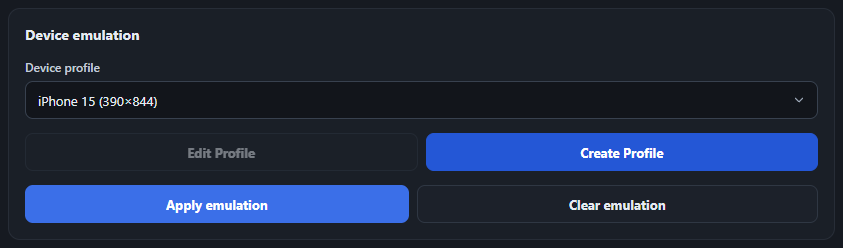
Section titled “Device emulation”Switch between built-in device profiles (iPhone, iPad, Pixel, Desktop) or create and save your own custom profiles. See Device profiles below for the full create/edit flow.
Location emulation
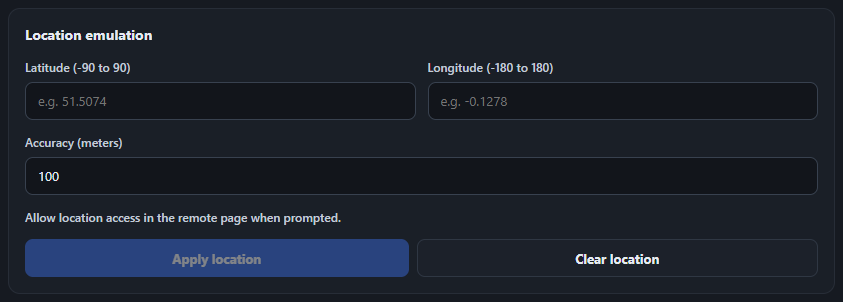
Section titled “Location emulation”Override the page’s geolocation with a specific latitude, longitude, and accuracy via Emulation.setGeolocationOverride - useful for testing location-aware features without physically moving. Fields are validated as you type (lat −90..90, long −180..180, accuracy ≥0), but the red error state only appears after you’ve started editing, not on a freshly-opened blank form. Clear location is always available once connected - it sends Emulation.clearGeolocationOverride() to make the page fall back to real/normal geolocation behavior, without resetting the fields you’d typed.
Execute JavaScript
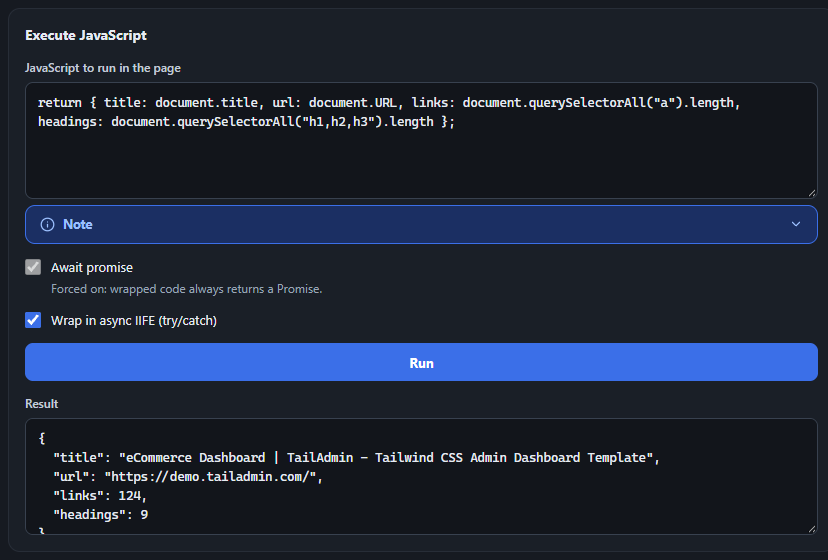
Section titled “Execute JavaScript”Run arbitrary code on the attached page via Runtime.evaluate and see the return value (or a thrown error) in the Result box.
- “Wrap in async IIFE (try/catch)” (checked by default) wraps your code in an async function with its own try/catch, so a plain
returnstatement works (e.g.return document.title;). A thrown error is logged to the page’s own console and shown in the Result box. Return values are JSON-serialized: strings, booleans, finite numbers, plain objects/arrays (including nested), and DOM elements (shown as tag + attributes) come through; anything else - functions,Map/Set,NodeList,NaN/Infinity- comes back as the literal string"unparsable object". - “Await promise” is force-checked and disabled whenever the IIFE wrap is on (since the wrapper always returns a Promise). Uncheck the wrap option to make Await a free toggle again - in that mode your code must be a bare expression, not a
returnstatement, and the result uses CDP’s own formatting instead of the custom serializer.